
Are you confident that your remote work setup is truly secure? Every day, cyber threats evolve, targeting teleworkers who may unknowingly leave doors open for hackers.
Protecting your data and your company’s sensitive information starts with awareness and following best practices tailored for telework and remote work environments. You’ll discover simple yet powerful steps you can take to guard yourself against cyber attacks—from using approved devices and secure connections to spotting phishing attempts before they cause harm.
Keep reading to empower yourself with essential cyber awareness skills that make working from anywhere safer and smarter.

Employee Cybersecurity Tips
Use only approved devices and software to keep work safe. These tools are tested for security. Avoid personal devices that may have risks.
Make sure your home network is secure. Change default router passwords and use strong Wi-Fi encryption. This stops hackers from entering your network.
Always connect through a VPN. A Virtual Private Network hides your data and protects your connection from outsiders.
Choose strong passwords that mix letters, numbers, and symbols. Turn on Multi-Factor Authentication (MFA) to add an extra layer of protection.
Watch out for social engineering. Don’t click strange links or share passwords. Verify strange requests by calling or messaging the sender.
Keep all your devices updated. Install updates for your operating system, browser, and antivirus to fix security holes.
Work in a private, quiet space. Avoid leaving devices unlocked or unattended. This helps protect sensitive information from prying eyes.
Organizational Security Measures
Clear policies help everyone understand security rules. They explain what is allowed and what is not. Zero Trust Access means no one is trusted by default. Every user and device must prove who they are before getting access. This stops hackers from entering easily.
Company devices should be managed carefully. Keep software updated and install security tools. Avoid using personal devices for work tasks. Cloud tools must be secured with strong passwords and encryption. Only approved apps should be used to store and share files safely.
Employees need support and training to spot risks. Teach them about phishing emails and safe internet habits. Regular training helps keep security strong and reduces mistakes.
Common Cyber Threats
Phishing attacks trick workers into giving away passwords or personal info. Emails look real but are fake. Clicking on bad links or attachments can cause damage.
Malware and ransomware are harmful software. They can lock your files or spy on you. These threats spread fast through email and downloads.
Unsecured networks like public Wi-Fi are risky. Hackers can listen to your data or steal info. Using a VPN helps keep connections safe.
Insider threats come from people inside the company. Sometimes, workers make mistakes or share info by accident. Other times, someone may act with bad intent.
Securing Remote Workspaces
A dedicated workspace helps keep work separate from home life. It reduces distractions and protects sensitive information. Use a quiet room or corner with limited foot traffic. Keep your work devices in this area to avoid accidental exposure.
Device physical security means protecting your computer and mobile devices from theft or damage. Always lock your screen when stepping away. Store devices safely after use. Avoid leaving them unattended in public or shared spaces.
Data privacy practices involve handling information carefully. Use strong passwords and change them regularly. Avoid sharing confidential files over unsecured networks. Always log out from work accounts on shared devices. Encrypt sensitive data, when possible, to prevent unauthorized access.
Best Practices For Remote Collaboration
Use secure communication tools like encrypted messaging and video calls. These tools protect conversations from hackers. Choose apps with strong security features and update them often.
Control data accessby limiting permissions. Only give access to people who need it. Use passwords and authentication to keep data safe. Avoid sharing sensitive files through unprotected channels.
Regular security audits help find weak spots. Check systems and software often for problems. Fix issues quickly to stop attacks before they happen. Keep logs and review them for unusual activity.
Frequently Asked Questions
Which Is The Best Practice For Telework And Remote Work Cyber Awareness?
Use approved devices with updated software and strong passwords. Connect via VPN and enable multi-factor authentication. Stay alert to phishing and social engineering. Maintain a secure, private workspace. Organizations should enforce clear telework policies and provide secure tools and ongoing security training.
What Is The Best Practice For Protecting Home Wireless Network For Telework Cyber Awareness?
Use strong, unique passwords and enable MFA. Connect via VPN on updated devices. Secure your Wi-Fi with WPA3 encryption. Stay alert to phishing attempts. Work in a private space and follow organizational telework security policies consistently.
Which Of The Following Is A Best Practice For Telework Cyber Awareness 2025?
Use approved devices and software, secure home networks with VPNs, enable strong passwords and multi-factor authentication, update systems regularly, and stay alert to phishing attempts. Maintain a private workspace and follow organizational telework security policies to protect sensitive data effectively.
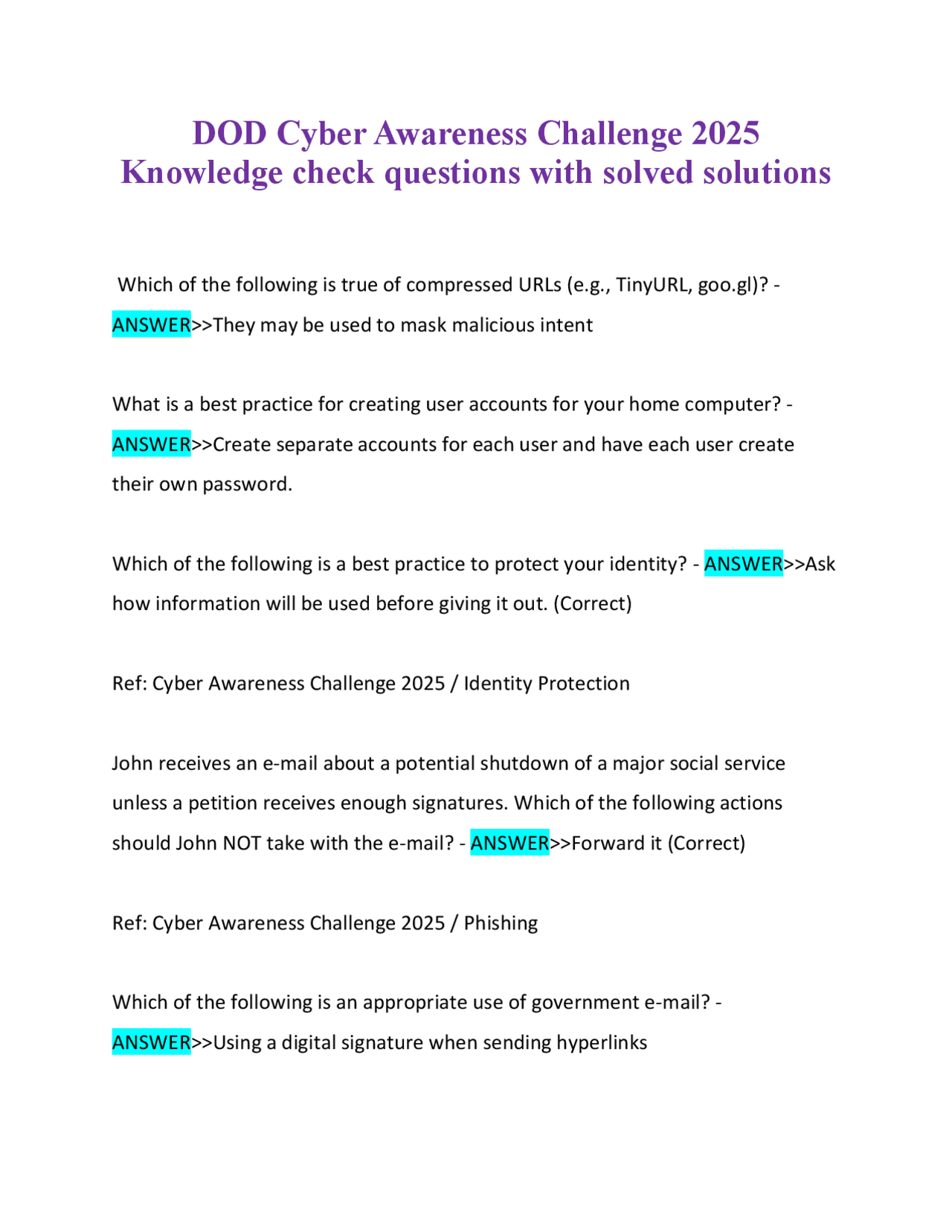
What Is A Best Practice For Creating User Accounts For Your Home Computer Cyber Awareness Challenge 2025?
Create separate user accounts with strong, unique passwords and enable multi-factor authentication. Use limited privileges for daily tasks to reduce security risks.
Conclusion
Strong cyber awareness helps protect both employees and organizations. Use approved devices and secure networks every time. Stay alert to phishing and social engineering attacks. Keep software updated and passwords strong with multi-factor authentication. Organizations must set clear policies and support secure work tools.
A safe remote work environment reduces risks and builds trust. Small, consistent steps make a big difference in security. Everyone plays a role in keeping data safe and private. Telework can be productive and secure with the right habits.